A look inside
Friction where you need it. Nothing where you don't.
Built in Kotlin and Jetpack Compose. The blocking logic is pure Kotlin with unit tests, and every entry lives in a local database on your phone.
Free · Open source · Android
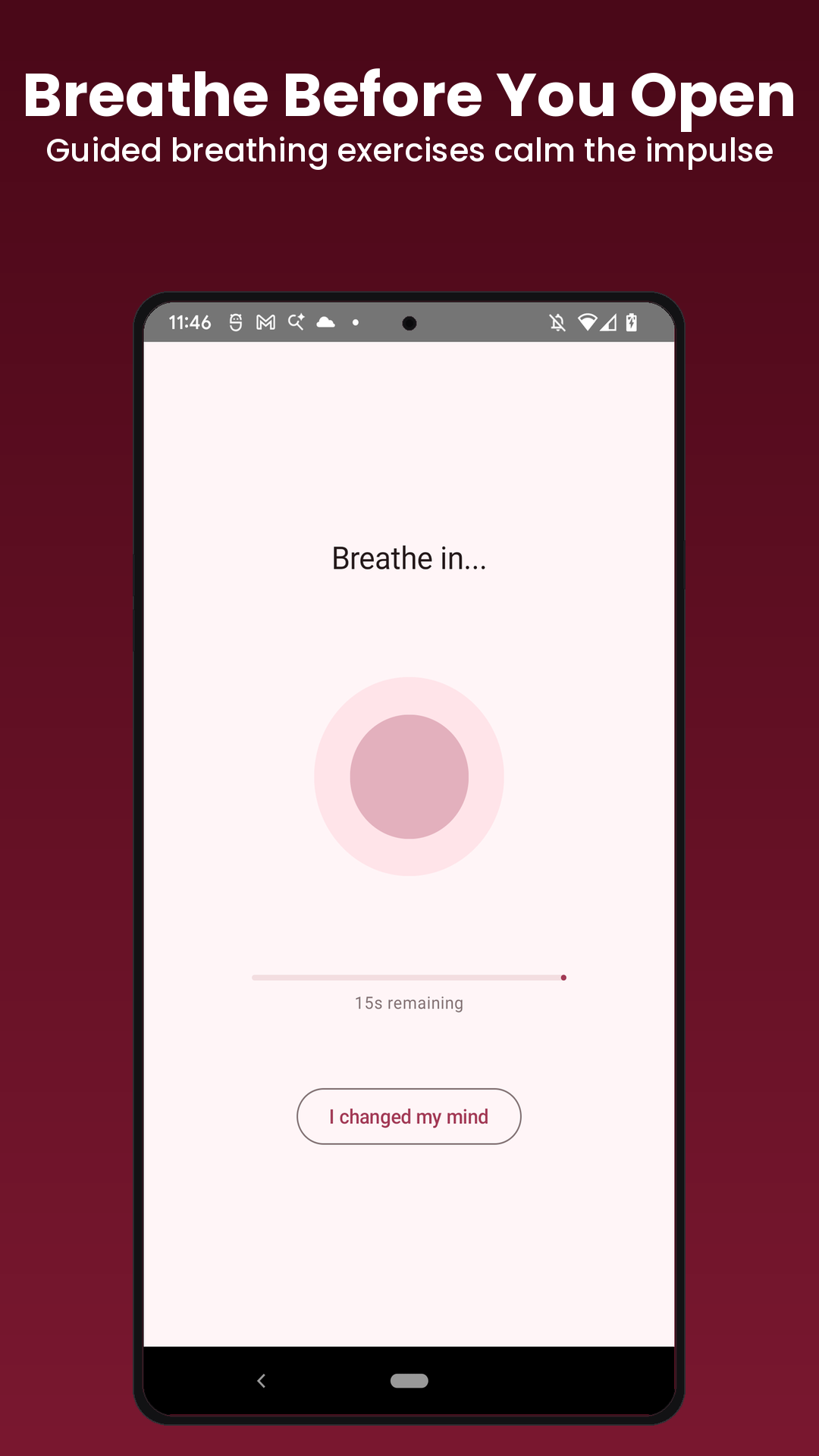
Nudge slips a breathing exercise between you and the apps that eat your day. It doesn't lock you out. It makes you stop and decide, on purpose. No account. No internet permission. GPL-3.0, free forever.
Google Play · GPL-3.0 · Android 8.0+
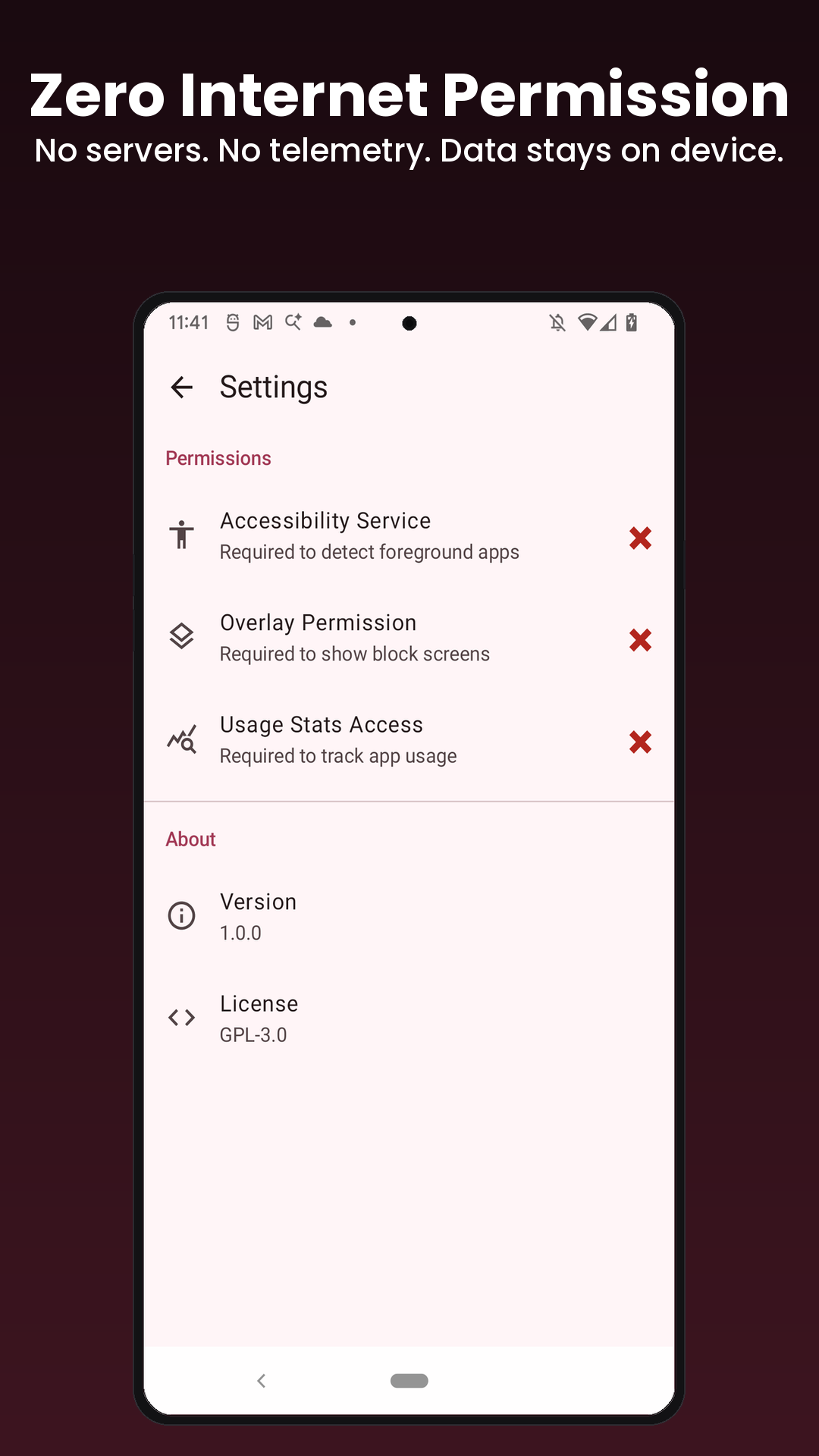
An app blocker reads your screen through the Accessibility Service. Nudge is open source and asks for zero internet permission, so there is nowhere for your data to go. That is the actual design.
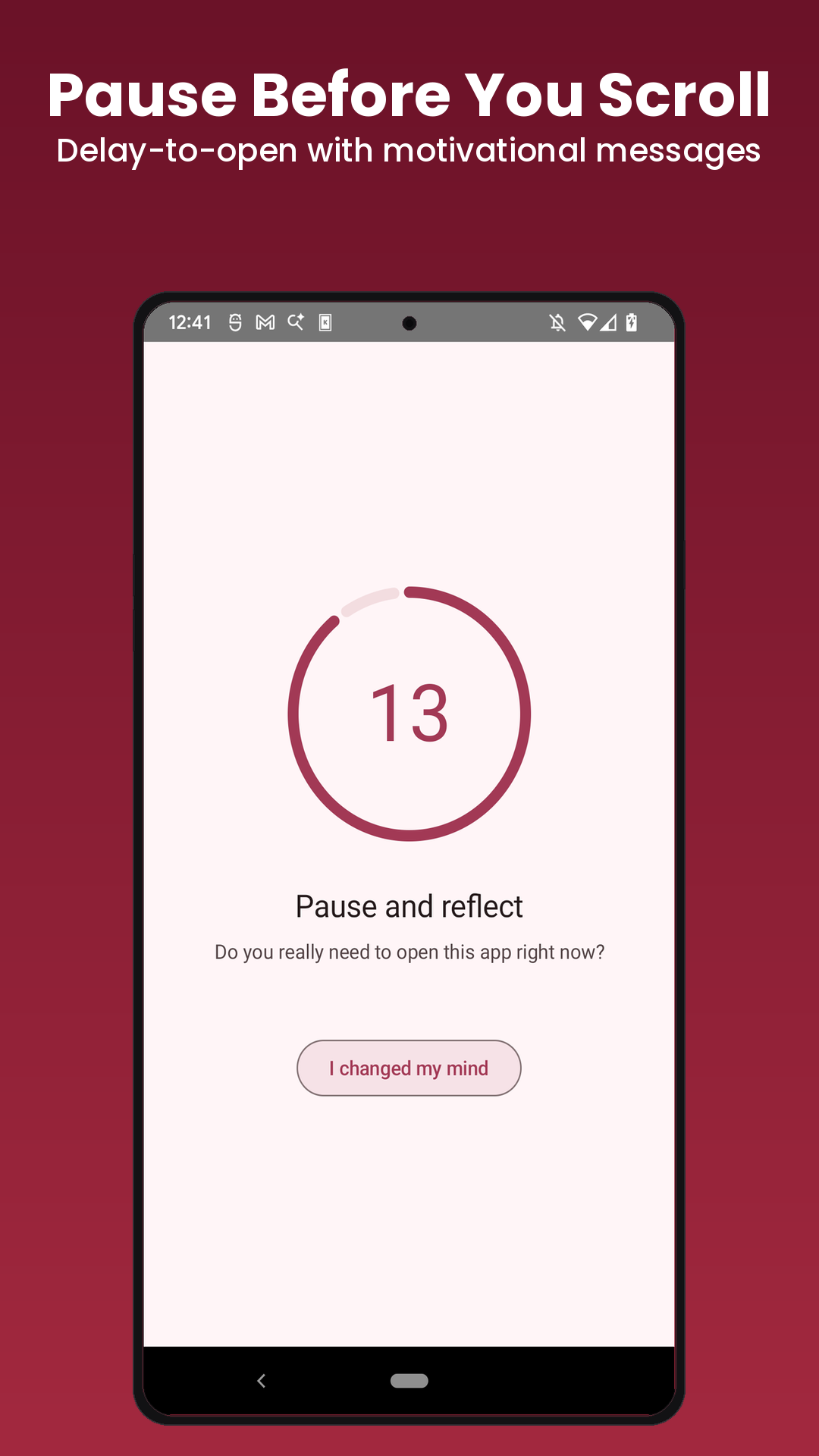
Before a distracting app opens, you wait through a breathing exercise or a countdown. It doesn't lock you out. It gives your conscious self a second to catch the autopilot. This is the whole idea.
A floating counter shows how many reels or shorts you've scrolled this session. It shifts from white to orange to red as the number climbs. Optional auto-kick sends you home after a threshold you set.
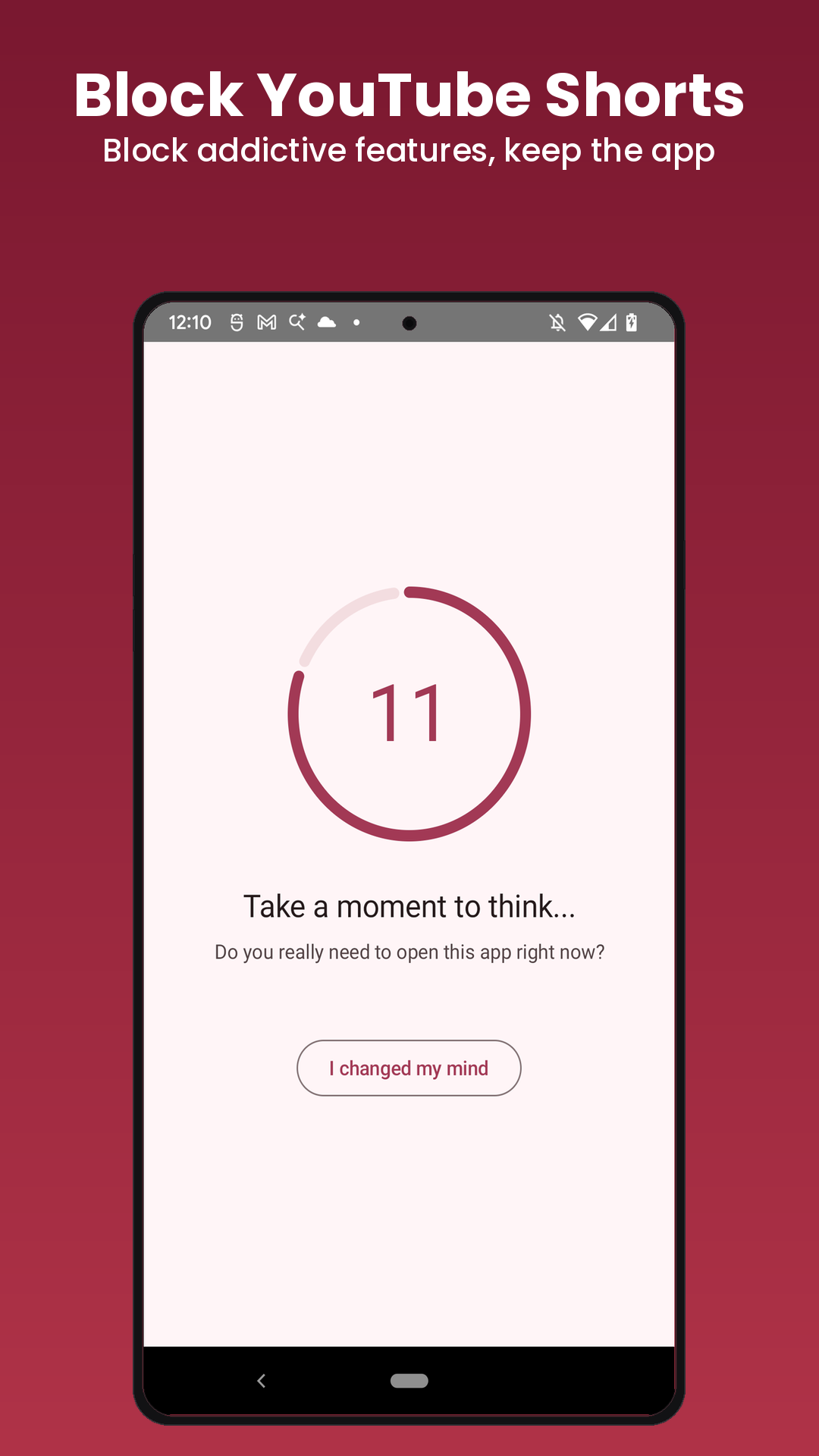
Block the Reels tab, the Shorts feed, and TikTok's For You page while the rest of the app keeps working. Your DMs and posts stay. The infinite scroll goes.
Give Instagram thirty minutes a day. When the budget runs out, it's blocked until tomorrow. You pick the limit, per app.
A commitment lock for the version of you that would just switch Nudge off. Every setting that weakens a block is gated behind a long typed challenge, and it guards the Android accessibility settings so you can't slip out the back either.
Blocks matching domains in Chrome and Firefox, not just apps. The same delay, breathing, or hard block, applied in the browser. Turn it on and Nudge fills in the known domains for you.
Block social media nine to five on weekdays, including schedules that run past midnight. Group apps once as "Social", then apply one rule to all of them.
Force the screen to grayscale so blocked apps lose their pull. Rewrite the overlay messages in your own words so the reminder actually lands instead of turning into wallpaper.
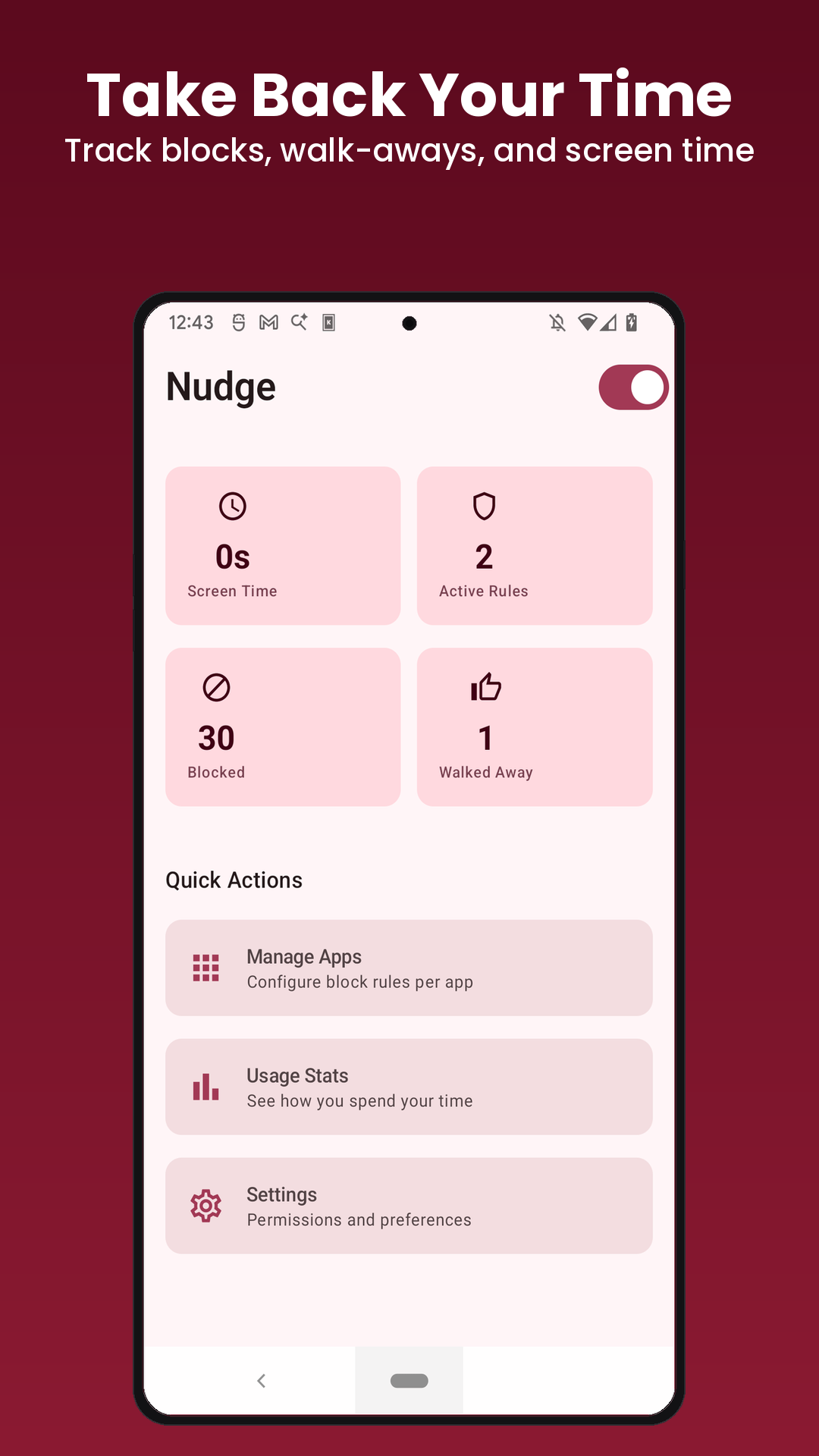
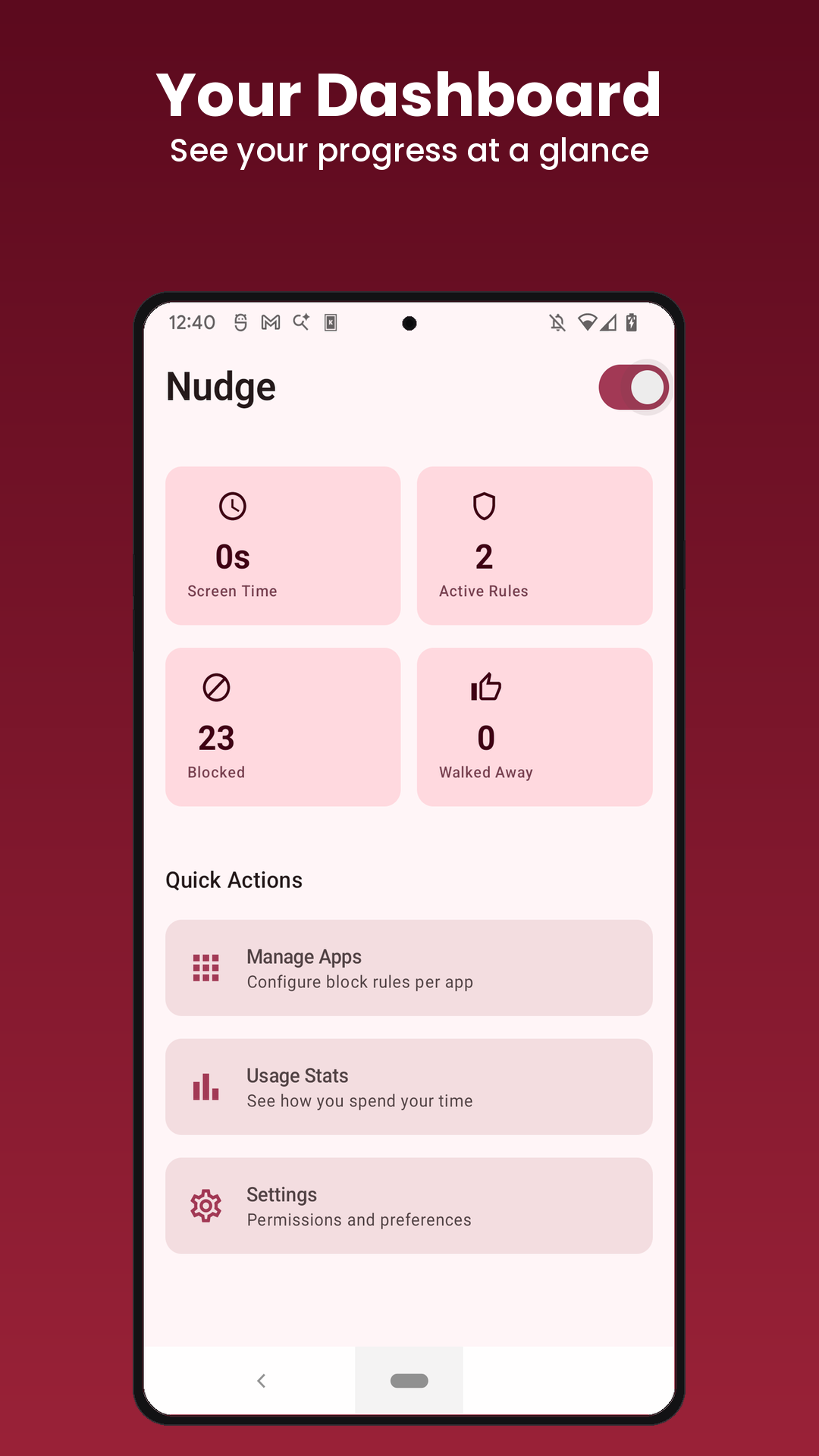
See screen time, times blocked, and times you walked away, plus weekly charts and streaks. Genuinely need in? One sixty-second pass per app, once a day, then it locks again.
A look inside
Built in Kotlin and Jetpack Compose. The blocking logic is pure Kotlin with unit tests, and every entry lives in a local database on your phone.
App blockers ask for the Accessibility Service, the most powerful permission on Android. It can read everything on your screen. Most blockers are closed-source, and a few have been quietly sold to data companies. That is a lot to hand a project you can't see inside of.
Nudge asks for zero internet permission. It's declared in the manifest, so your data can't leave the device even if we wanted it to. The code is on GitHub under GPL-3.0. Read it, fork it, build your own copy.
The pause is the point. Nudge doesn't have to block an app. It can ask you to wait fifteen seconds first, and that's usually enough to catch yourself and put the phone down. You can't argue your way past a blocker whose only demand is the fifteen seconds you were trying to skip.
Free. No account. No internet permission. Install from Google Play, pick the apps that eat your day, and the next time you reach for one Nudge asks you to wait.